← Back to Portfolio
AI Video Asset Pipeline — n8n Automation
Project Overview:
- Project: AI Video Asset Pipeline
- Platform: n8n (self-hosted workflow automation)
- AI Models: OpenAI GPT-4o-mini + Runway Gen-3 / Kling / Pika
- Objective: Automatically generate video assets (b-roll, backgrounds, transitions, intros) from a Notion task board using AI video generators — eliminating the manual back-and-forth between creative teams and editors.
Background:
Video production teams waste countless hours searching stock libraries, briefing freelancers, and waiting for b-roll delivery. This automation turns a simple Notion task into a finished video asset in minutes. A creative lead adds a request to the board — «cinematic drone shot of ocean waves at sunset, 5 seconds, 16:9» — and the pipeline handles everything: AI-optimized prompt generation, smart tool selection, video creation, file delivery to Google Drive, and team notification. No stock subscriptions, no freelancer delays, no manual downloads.
How It Works:
Task Board Integration & Smart Routing:
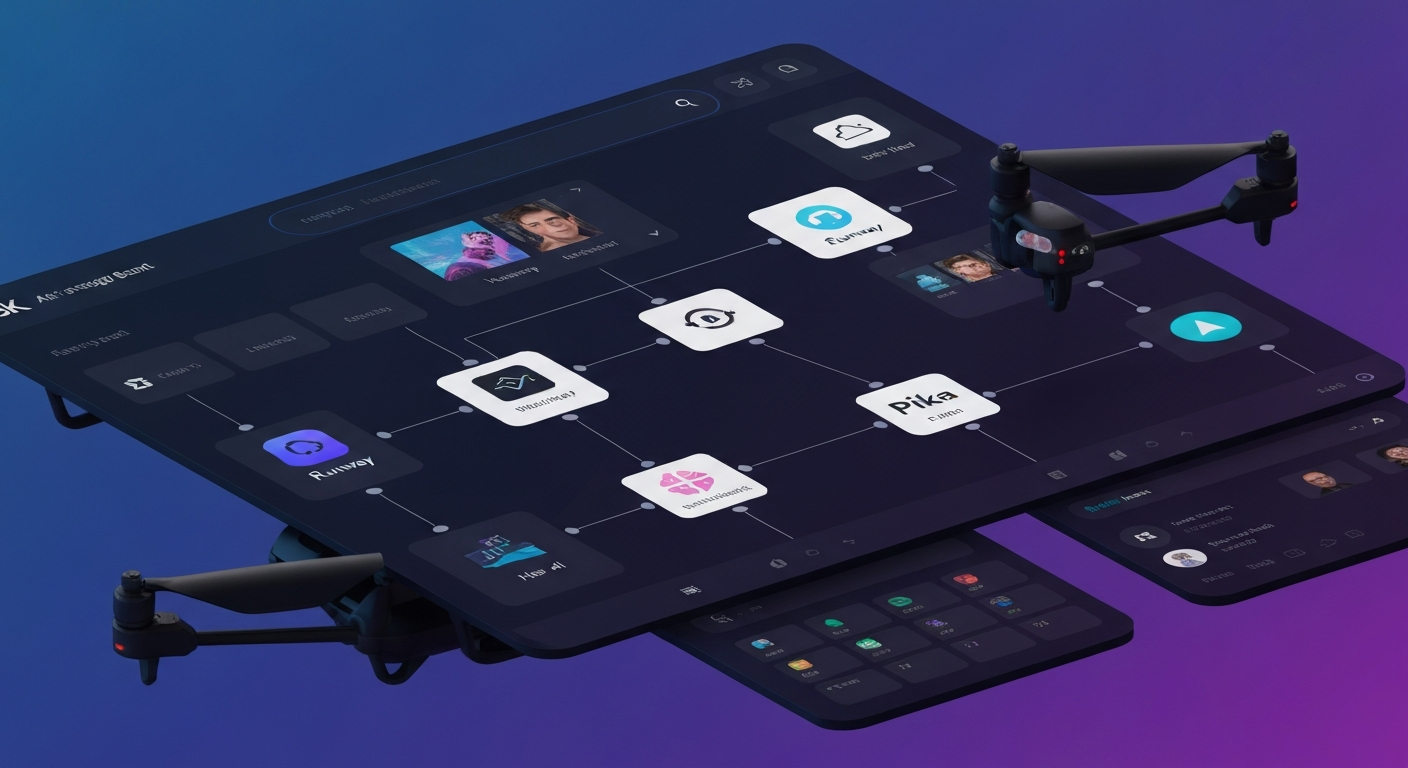
The workflow monitors a Notion database for tasks marked «Ready for Assets.» When found, it parses the request specifications — asset type, visual style, duration, and aspect ratio — then uses GPT-4o-mini to generate an optimized video prompt. The AI also recommends the best generator: Runway for cinematic shots, Kling for dynamic motion, Pika for stylized effects.
AI Video Generation & Processing:
The optimized prompt is sent to the selected API. The workflow handles polling for completion (video generation typically takes 30–120 seconds), then automatically downloads the finished asset. The system supports multiple aspect ratios (16:9, 9:16, 1:1, 4:5) for cross-platform content needs.
Delivery & Team Notification:
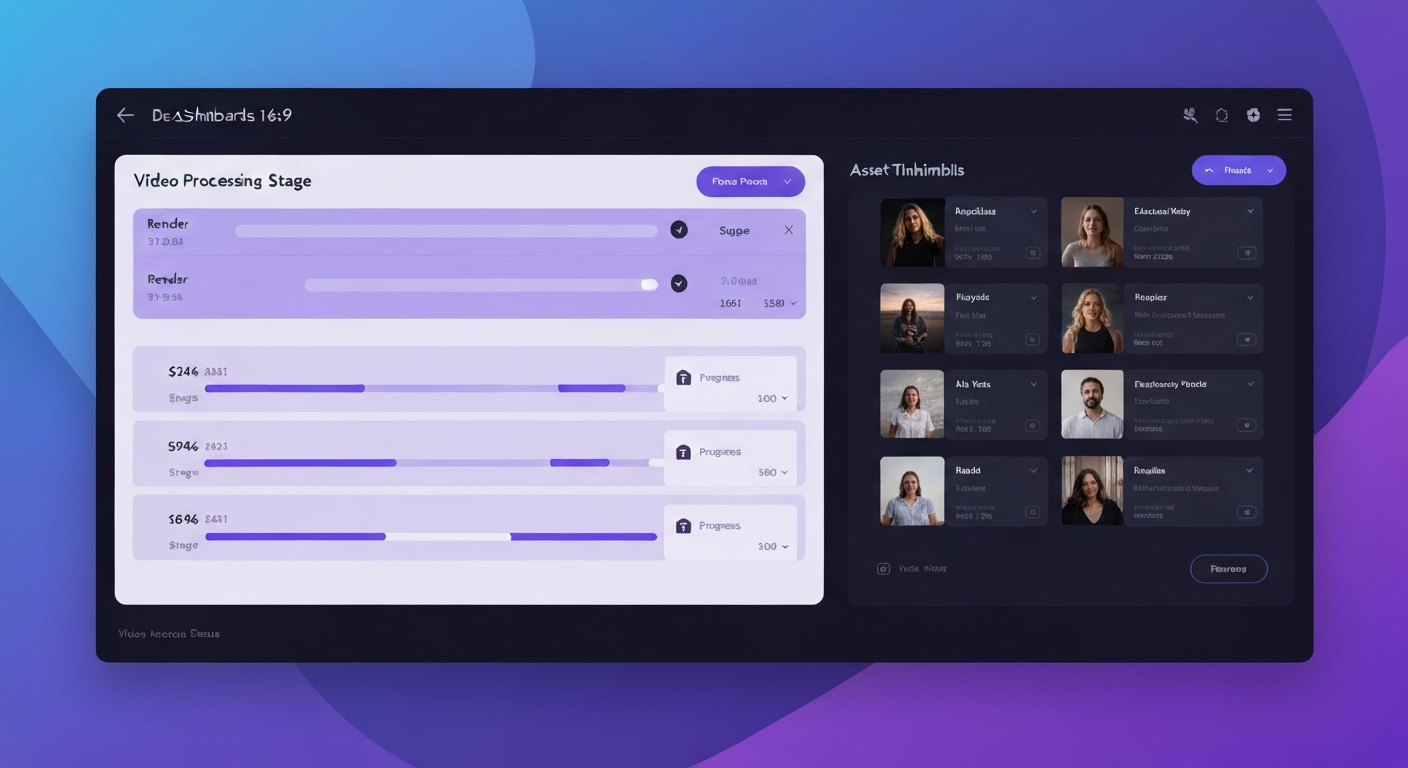
Once generated, the video is uploaded to a shared Google Drive folder with organized naming. The Notion task is updated to «Asset Ready» with the direct file URL. The team gets a Slack notification with a preview and link — ready for the editor to drop into the timeline.
Key Results:
- Asset turnaround: From task creation to delivered video in under 5 minutes
- Cost reduction: Eliminates stock footage subscriptions and freelancer b-roll costs
- Multi-platform ready: Supports 4 aspect ratios for social, web, and broadcast
- Smart routing: AI automatically selects the best generator for each asset type
Tech Stack:
- n8n (workflow automation)
- OpenAI GPT-4o-mini (prompt engineering)
- Runway Gen-3 / Kling / Pika (video generation)
- Notion API (task management)
- Google Drive API (file delivery)
- Slack API (team notifications)