Project Overview:
- Project: AI Customer Support Agent
- Platform: n8n (self-hosted workflow automation)
- AI Model: OpenAI GPT-4o-mini
- Objective: Build an autonomous support agent that receives customer tickets, searches internal knowledge bases and order history for context, then either resolves the issue automatically or escalates with full context — reducing response times from hours to seconds.
Background:
Customer support is one of the most resource-intensive operations for any business. Teams are stretched thin, response times creep up, and repetitive questions consume bandwidth that should go to complex issues. This automation acts as a first-line support agent: it understands the customer’s problem, pulls relevant context from your knowledge base and order system, and either sends a helpful response automatically or escalates to a human with all the context they need to resolve it quickly. The result is faster resolution, happier customers, and a support team that can focus on what truly needs human attention.
How It Works:
Ticket Intake & Context Gathering:
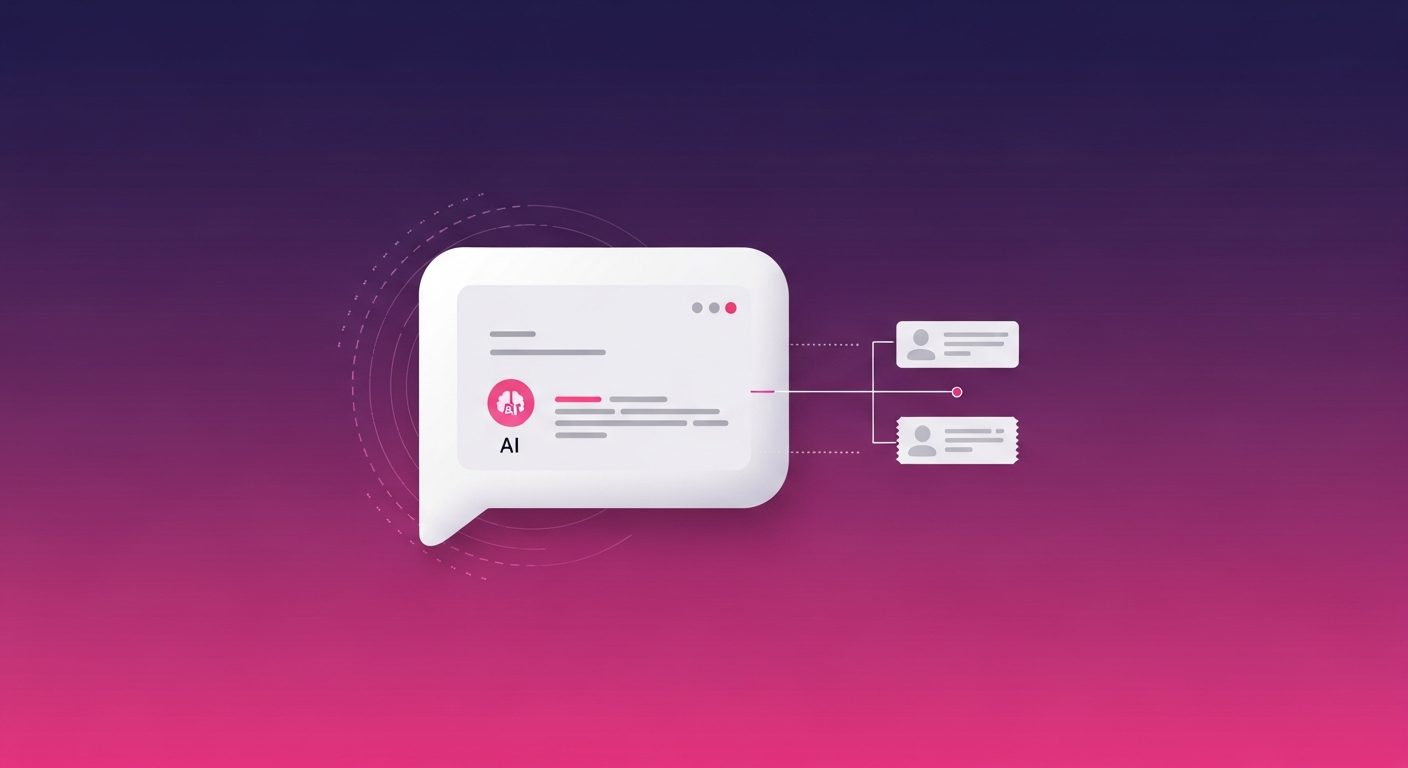
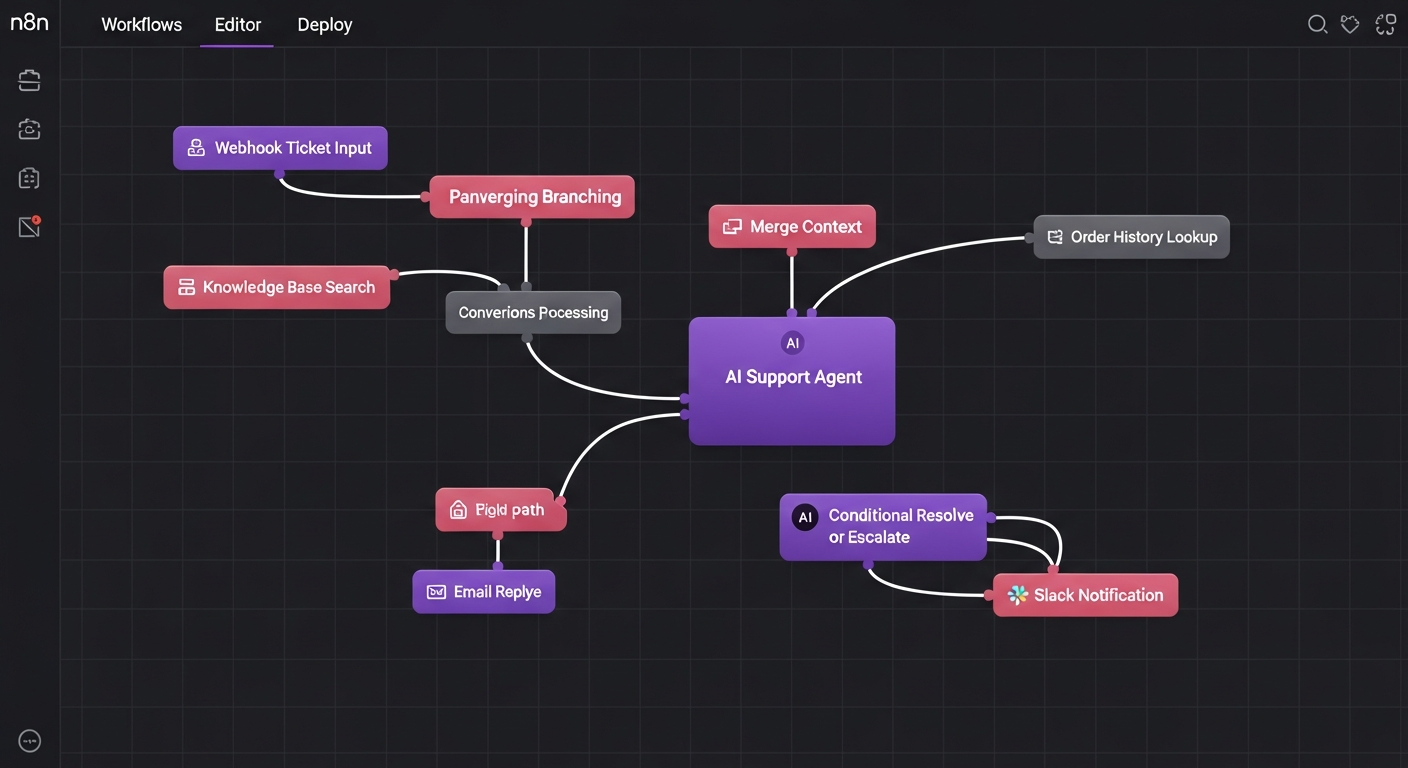
When a support ticket arrives via webhook, the workflow immediately parses the customer’s request and launches two parallel searches: one queries your internal knowledge base for relevant articles, FAQs, and documentation, while the other looks up the customer’s order history and account status. This dual-context approach ensures the AI has everything it needs to provide a genuinely helpful response.
AI Support Agent — Reasoning & Response:
The merged context — ticket details, knowledge base matches, and order history — is fed to GPT-4o-mini with a carefully designed support agent prompt. The AI analyzes the issue, determines if it can be resolved with the available information, and generates a response. Critically, it also outputs a confidence score and a resolution flag, so the system knows whether to send the response automatically or hand off to a human.
Resolve or Escalate:
- Auto-Resolve (High Confidence): The AI’s response is sent directly to the customer via email. A confirmation is posted to Slack’s #support-resolved channel with the full ticket context and AI response for team visibility.
- Escalate (Low Confidence): The ticket is forwarded to Slack’s #support-escalate channel with the AI’s analysis, suggested response, and all gathered context — giving the human agent a 5-minute head start on understanding the issue.
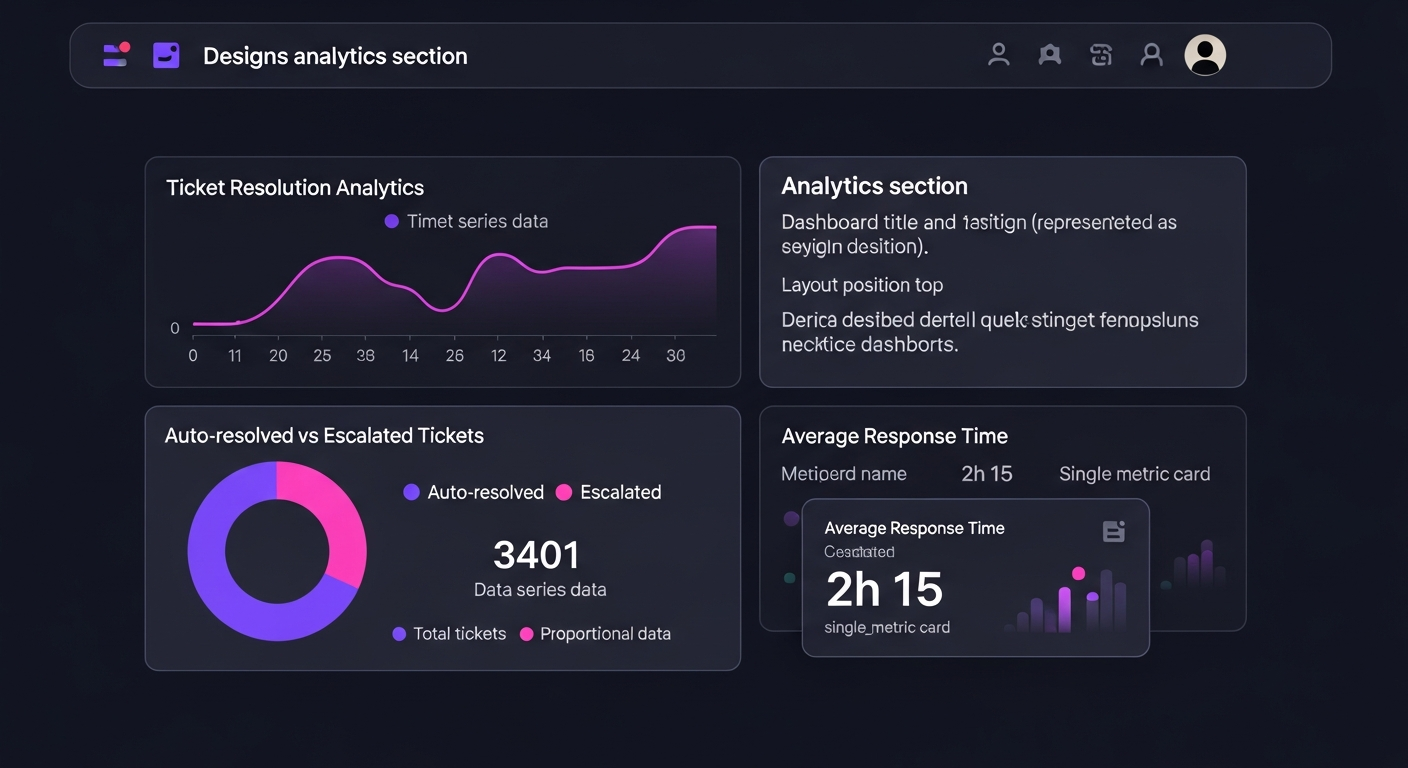
- All Tickets: Every interaction is logged to Google Sheets with timestamps, category, resolution method, and customer details for reporting and continuous improvement.
Key Results:
- Auto-Resolution Rate: 40–60% of common support tickets resolved without any human intervention.
- Response Time: Auto-resolved tickets answered in under 10 seconds — versus typical 4–8 hour wait times.
- Escalation Quality: Human agents receive pre-analyzed tickets with full context, reducing their resolution time by 50%.
- Scalability: Handles spikes in ticket volume without degradation, making it ideal for product launches and seasonal peaks.
Tech Stack:
- Automation: n8n (self-hosted)
- AI: OpenAI GPT-4o-mini
- Knowledge Base: Vector search / document retrieval
- Order System: REST API integration
- Notifications: Slack API, SMTP Email
- Data Storage: Google Sheets API
Source Code: View on GitHub →