



Project Overview:
- Project: AI Email Processing Automation
- Platform: n8n (self-hosted workflow automation)
- AI Model: OpenAI GPT-4o-mini
- Objective: Automatically read, classify, and process incoming emails — extracting action items, drafting responses, and routing urgent messages to the right team members through Slack notifications.
Background:
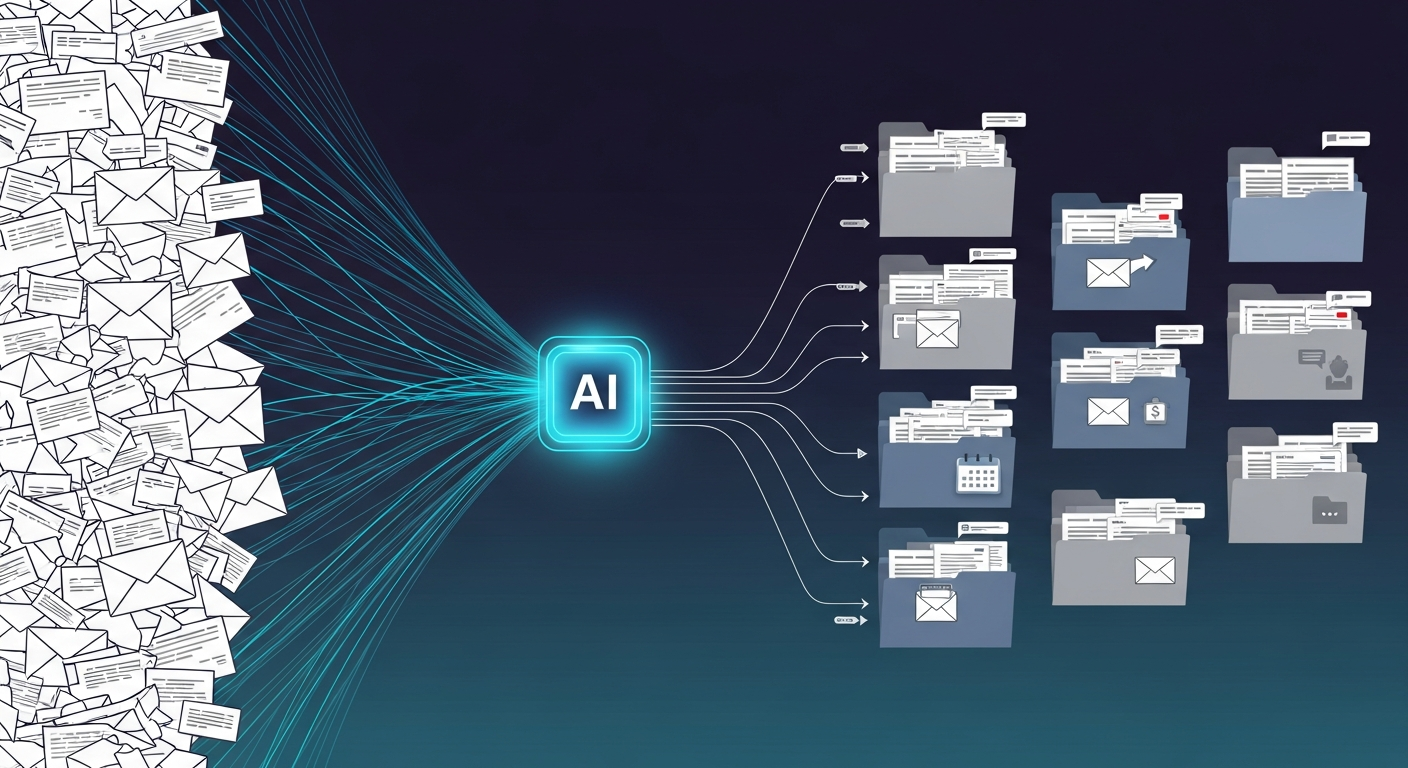
Email overload is a universal productivity killer. The average professional receives 120+ emails per day, and simply triaging them — figuring out what’s urgent, what needs a response, and what can wait — consumes over an hour of focused work time. This automation monitors your inbox every 5 minutes, reads each new email with AI, classifies it by category and urgency, extracts the key action items, and even drafts a response. Urgent messages trigger instant Slack alerts so nothing critical falls through the cracks.
How It Works:
Inbox Monitoring & Email Parsing:
The workflow polls your inbox via IMAP every 5 minutes, pulling in new unread emails. Each message is parsed to extract the sender, subject, body text, and any attachment metadata — creating a clean data package ready for AI analysis.
AI Classification & Analysis:
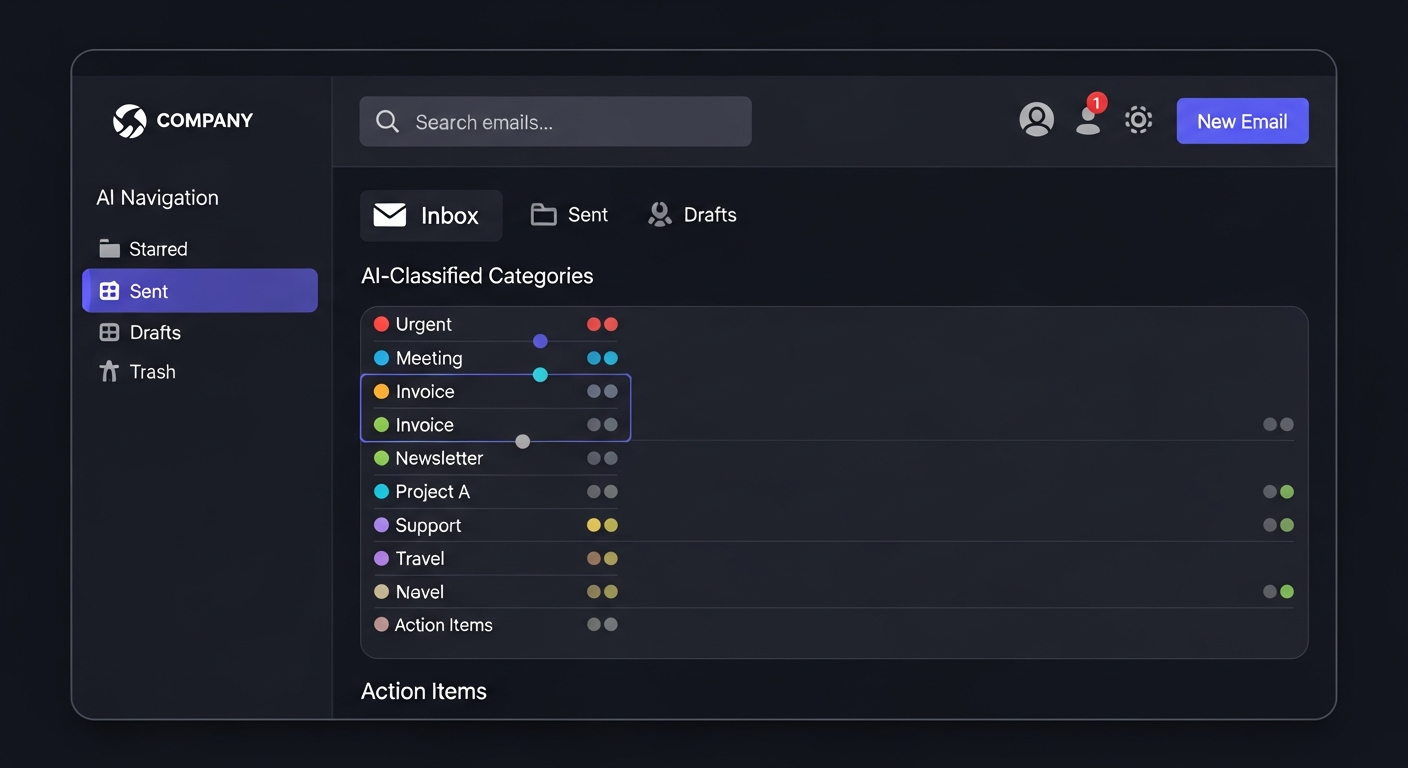
GPT-4o-mini analyzes each email across several dimensions. It determines the category (urgent request, meeting-related, invoice/billing, newsletter, general inquiry), assigns a priority score from 1–10, extracts specific action items with deadlines, and drafts an appropriate response matching the tone and formality of the original message.
Smart Routing & Response Drafting:
- Urgent (Priority 8–10): Immediate Slack alert with email summary, action items, and drafted response for quick review.
- High Priority (5–7): Logged to Google Sheets with a daily digest sent to Slack each morning.
- Low Priority (1–4): Silently logged for batch review — newsletters, marketing emails, and FYIs.
- All Emails: Action items are extracted and compiled into a structured task list in Google Sheets.

Key Results:
- Time Saved: Eliminates 60–90 minutes of daily email triage for the average professional.
- Response Speed: Urgent emails flagged within 5 minutes of arrival, with a draft response ready for one-click send.
- Capacity: Processes 100+ emails per day without slowing down.
- Accuracy: AI classification matches human judgment in 90%+ of cases for priority and category.
Tech Stack:
- Automation: n8n (self-hosted)
- AI: OpenAI GPT-4o-mini
- Email: IMAP Protocol
- Notifications: Slack API
- Data Storage: Google Sheets API
Source Code: View on GitHub →